

Announcing Lynx for HarmonyOS
← All Posts


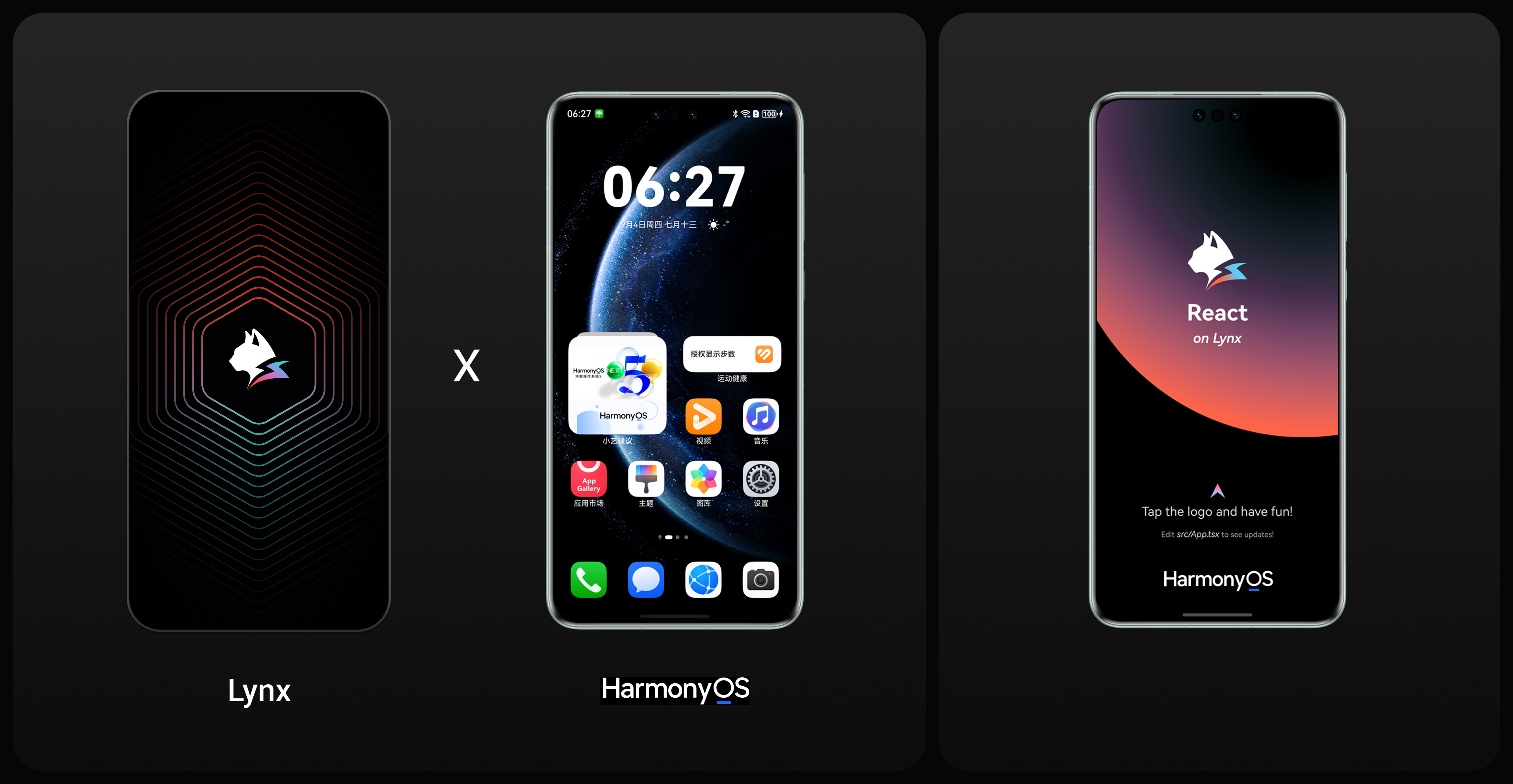
As introduced in the open-sourcing blog, Lynx's vision continues to be unlocking native for more platforms and more users. With HarmonyOS now adding new platform and device diversity to the market, we want to enable Lynx developers to reach these users with the same ease they already enjoy on Android, iOS, and Web with Lynx.
Today, we are happy to share that Lynx now provides public beta support for HarmonyOS, delivering feature parity in CSS, Elements, and APIs — along with the same level of native performance and user experience.
Consistent Rendering for HarmonyOS
In Tutorial: Product Gallery we built a complex page using Lynx. Let's see how Lynx performs on Android vs HarmonyOS. As shown below, it achieves pixel-perfect alignment. This allows Lynx developers to write once, run everywhere - one codebase for Android, iOS, Web, and HarmonyOS apps, improving efficiency and maintainability.
The high consistency of Lynx's CSS and native elements across Android, iOS, and HarmonyOS is attributed to our architectural decision: Lynx's rendering pipeline is shared and consistent across multiple platforms. On HarmonyOS, we implement the same set of CSS, animations, and custom component by swapping the paint layer to issue instructions to ArkUI.
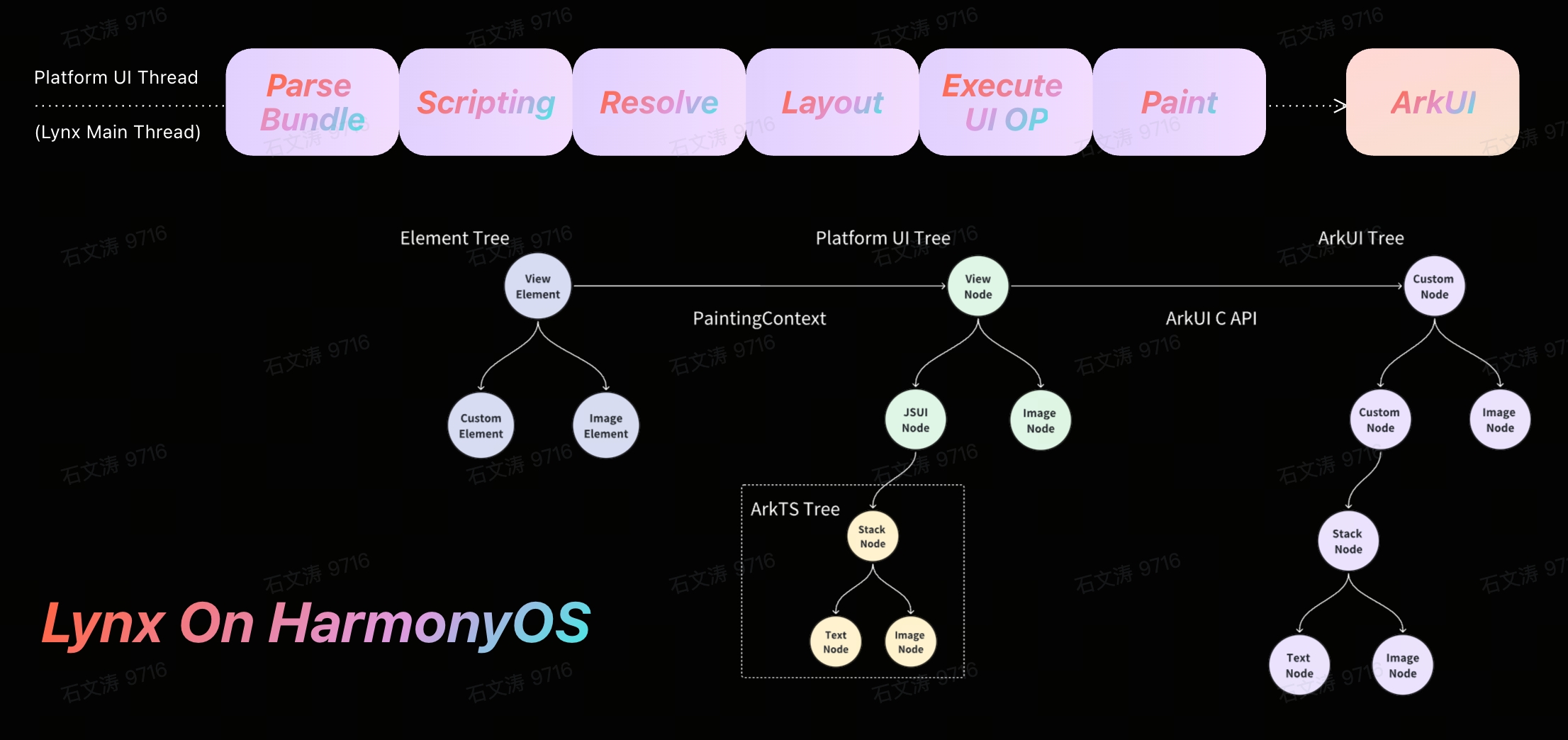
Native Lynx for HarmonyOS
Native Painting with ArkUI
Lynx on Harmony uses ArkUI components for painting. Lynx with OpenHarmony explored two approaches: ArkTS and C API.
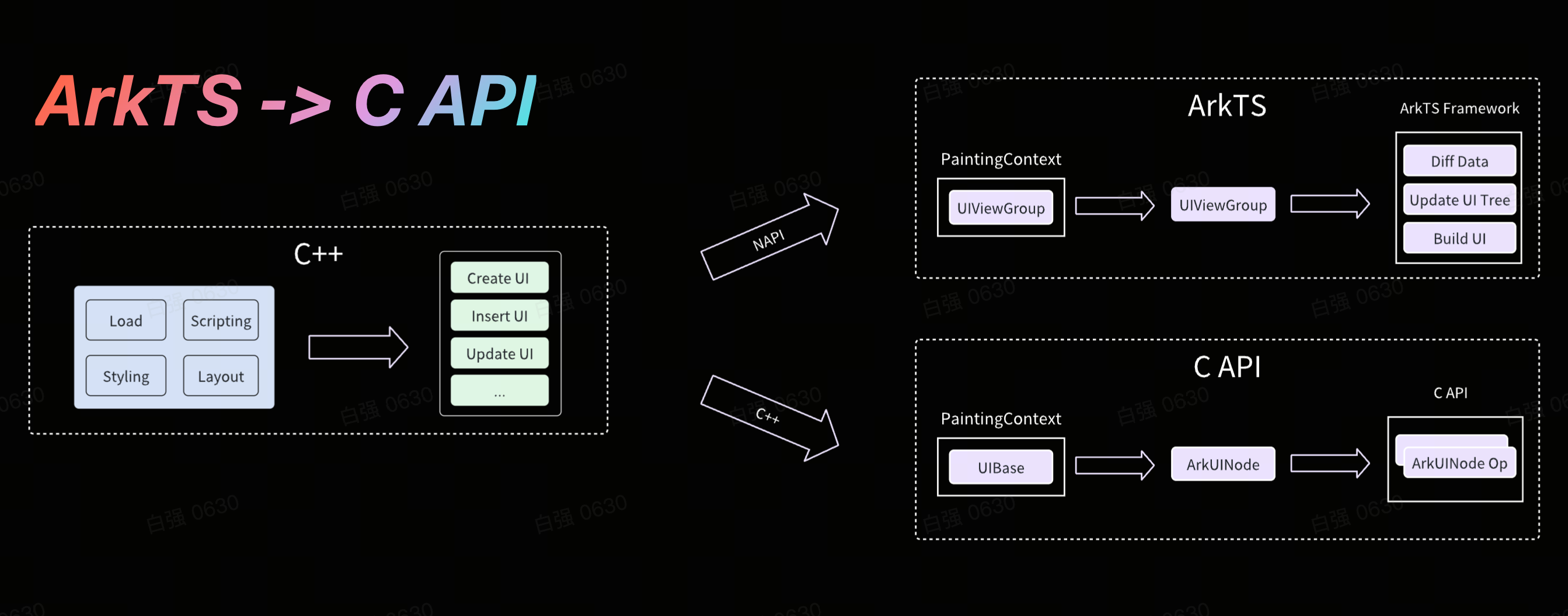
We finally chose C API to directly map Lynx platform-ui-tree to HarmonyOS native UI, combining Lynx performance with ArkTS ecosystem benefits.
-
Native UI Rendering: Using ArkUI's C API to convert element-tree operations directly to native UI calls, eliminating data conversion overhead for better performance in complex UI updates.
-
Custom Native Element: By utilizing HarmonyOS's
BuilderNodeandBuildercapabilities, developers can dynamically construct ArkTS subtrees and seamlessly embed them into the ArkUI node tree created by Lynx, achieving highly customized component implementations.
Native Interactions
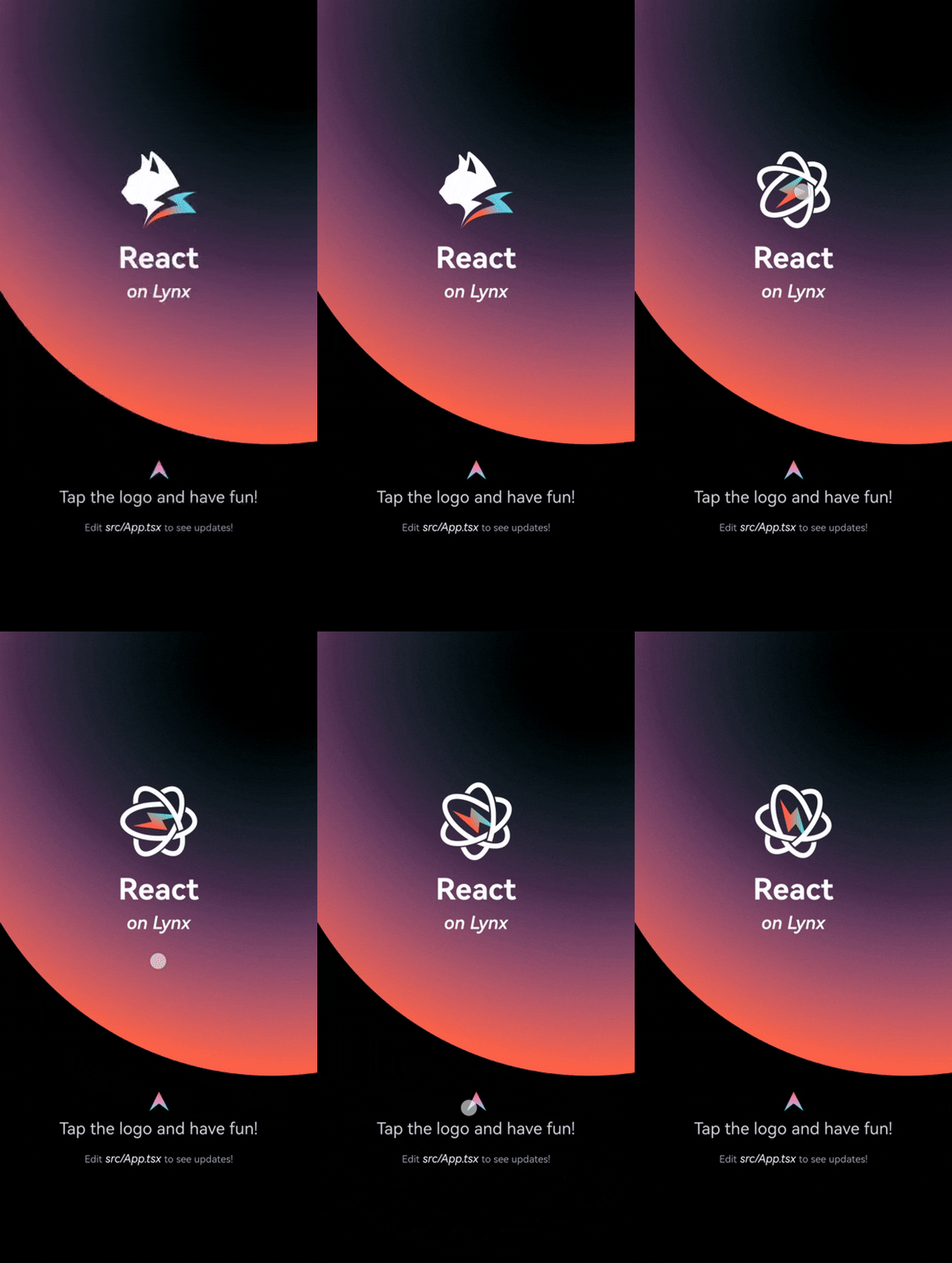
Lynx designed a complete event system that captures and responds to gestures and events in complex interactions.
| Gesture Support | Custom Gesture Control in Hybrid Scenarios |
|---|---|
 | 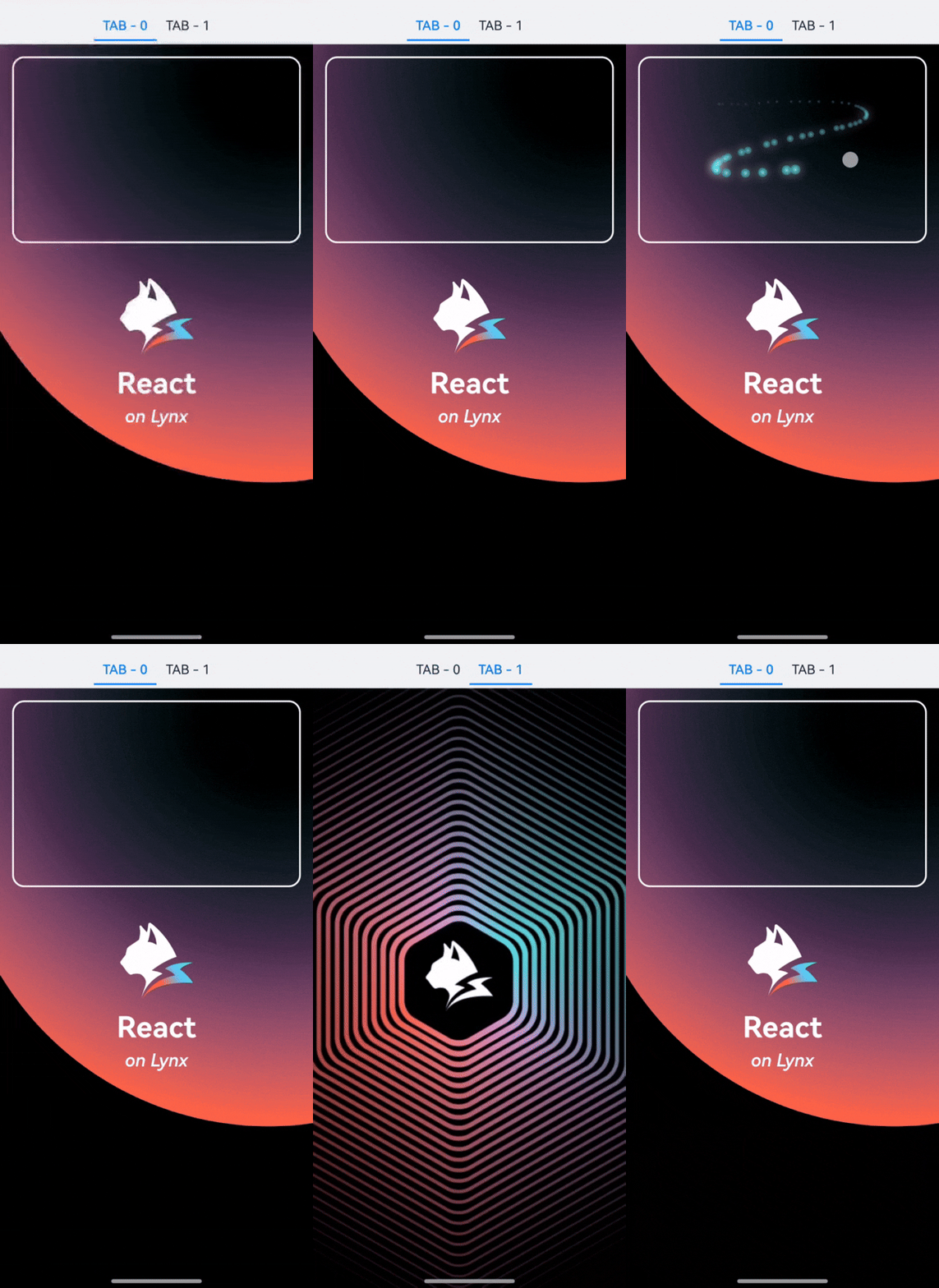 |
- Custom HitTest: Accurately find the nodes responding to events on the Lynx platform-ui-tree, ensuring precise interactions.
- Gesture Support: Integrates HarmonyOS gesture like
tapandlongpress, ensuring native-like gesture experience on Lynx. - Custom Gesture Control in Embedded Scenarios: Offers a comprehensive set of event APIs, including
user-interaction-enabledandblock-native-event, empowering Lynx developers to manage event propagation and handling logic for efficient processing of nested scrolling scenarios with native pages.
Native Extensions
- Native Element Customization: Lynx provides rich built-in elements and supports integration of custom HarmonyOS native elements (via ArkTS), enabling developers to extend UI capabilities for highly customized interfaces while preserving native performance. More details: Custom Element.
- Native Modules: Lynx enables developers to call HarmonyOS native APIs from JavaScript, supporting both system services and custom native modules. More detail: Native Modules。
Create Your First Lynx on HarmonyOS
Lynx's official website offers development documentation and demo code for developers to get started quickly and efficiently.
-
Use the Pre-built Lynx Explorer: For the easiest development setup, follow the Quick Start to install the Lynx Explorer hap package and begin Lynx development.
-
Local Build of Lynx Explorer: Developers interested in exploring the Lynx on HarmonyOS source code can also attempt local builds by following the guide Building Lynx Explorer for Harmony.
-
Integrate with Existing Apps on HarmonyOS: For developers with existing HarmonyOS application projects seeking to integrate Lynx, the official website provides Integrate with Existing Apps.
Welcome to the Lynx community. Let's build outstanding native experiences with Lynx on HarmonyOS!