

Record Trace During App Startup
Trace supports recording trace during the app startup process, which is essential for analyzing and optimizing app's start performance.
Click Startup Trace
In the topbar, click the Startup Trace button.

Set duration (seconds)
Enter the desired duration for recording trace during app startup. Press the Enter key to save your configuration.

Restart application
Close and relaunch your app. Trace will automatically record trace during the startup period.
Load startup trace
After the app launches, choose target app, then click the Load Trace button in Lynx DevTool.

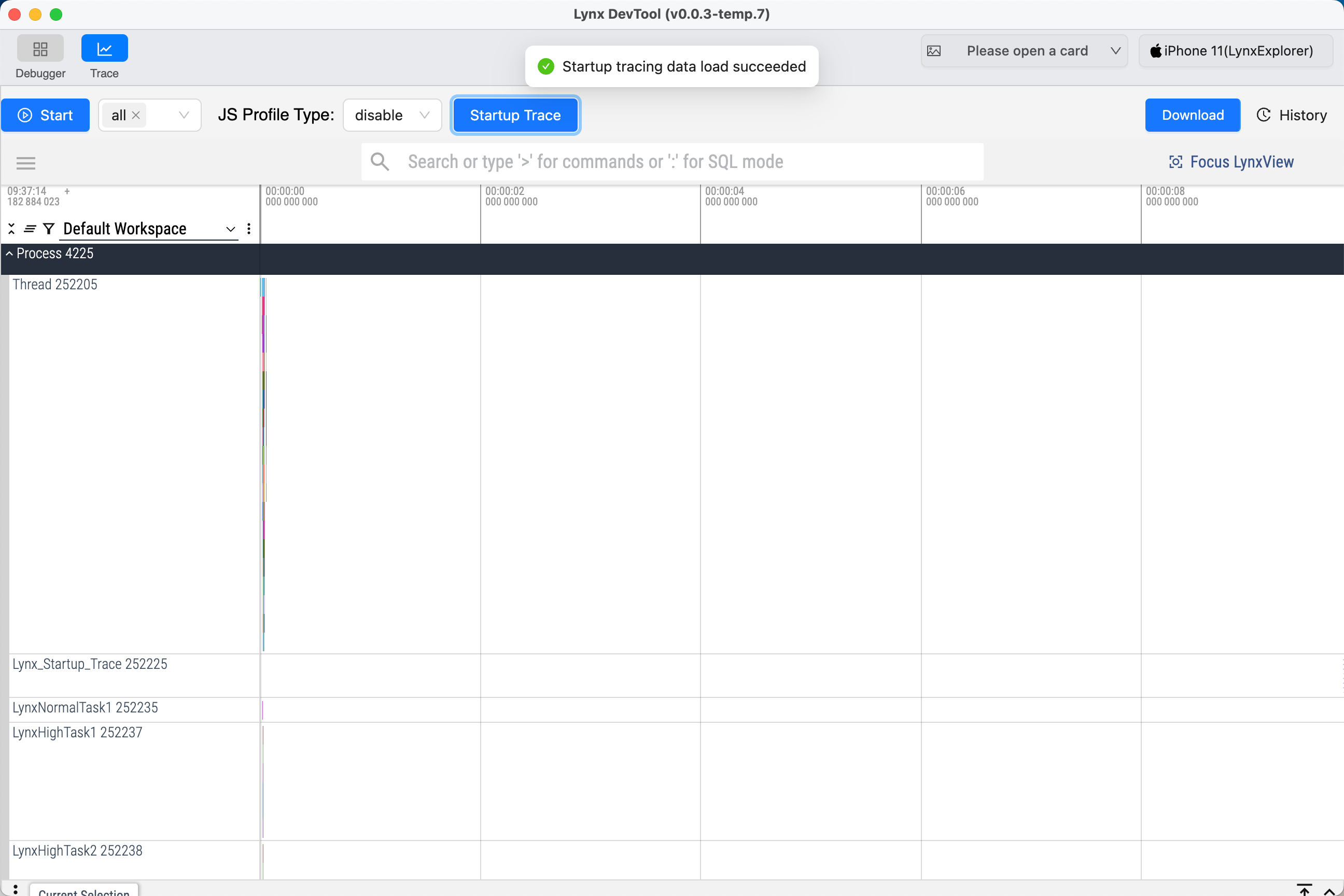
View the startup trace
Once the trace data has loaded, you will see a visualization of the app’s startup process for detailed analysis.
FAQ
After clicking Load Trace button shows: "Startup tracing is not enabled, cannot pull trace data"
- Make sure to set a valid trace duration (greater than 0) in Startup Trace Configuration, then restart the app and click
Load Tracebutton again. - Ensure a Lynx page is opened during or after the app startup process before clicking
Load Tracebutton.
Clicking Load Trace button shows: "Startup tracing is in progress, please try again later"
- The app startup trace is still being recorded. Please wait for the process to finish and try clicking
Load Tracebutton again later.