Styling
Rspeedy supports different ways of styling your application, including:
-
CSS Modules: Create locally scoped CSS classes to avoid naming conflicts and improve maintainability.
-
Global CSS: Simple to use and familiar for those experienced with traditional CSS, but can lead to larger CSS bundles and difficulty managing styles as the application grows.
-
CSS pre-processors: Popular CSS pre-processors like
sassandlessthat extend CSS with features like variables, nested rules, and mixins. -
PostCSS: A tool for transforming CSS.
-
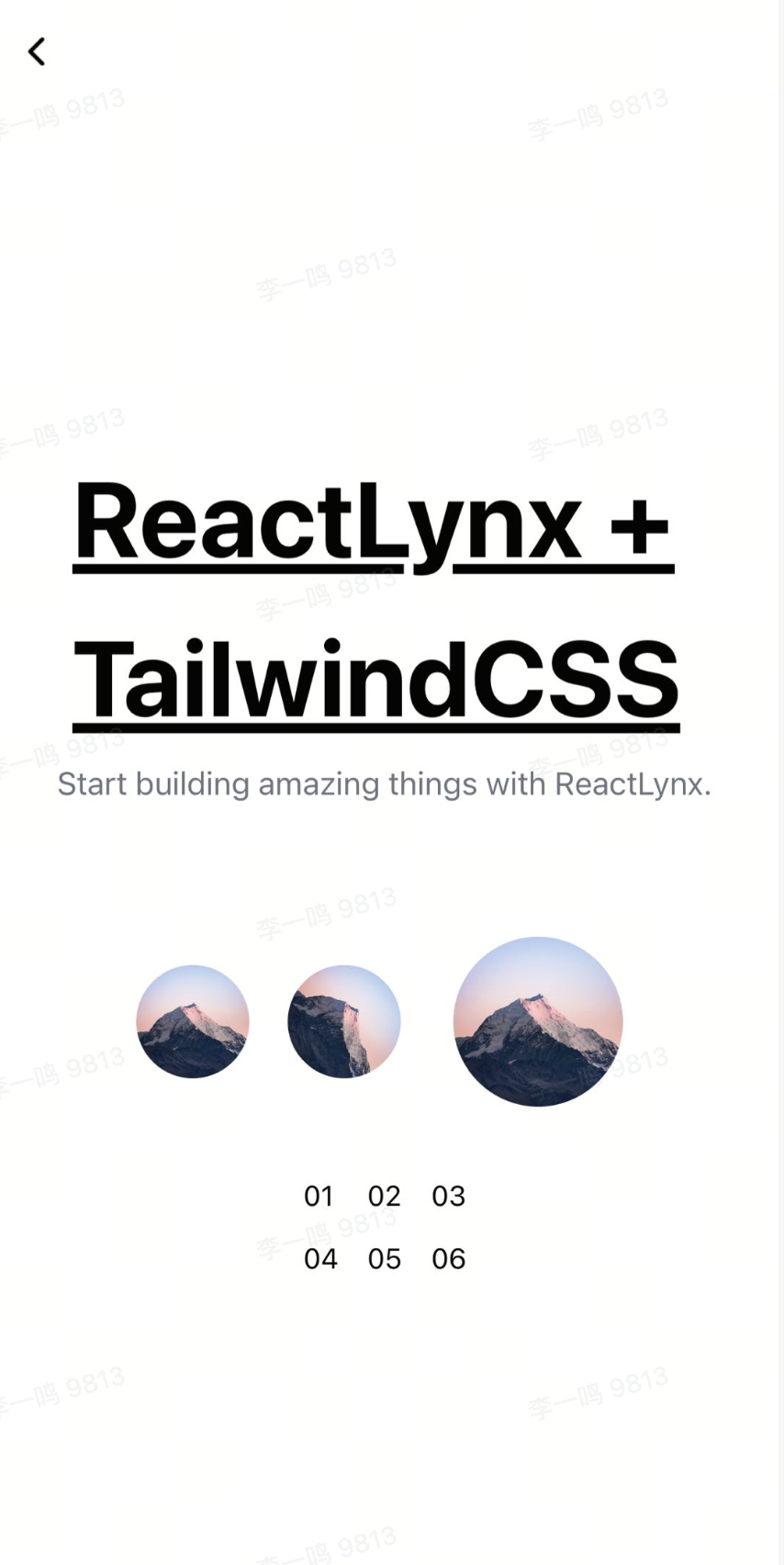
Tailwind CSS: A utility-first CSS framework that allows for rapid custom designs by composing utility classes.
Using CSS Modules
CSS Modules allows us to write CSS code in a modular way, and these styles can be imported and used in JavaScript files. Using CSS Modules can automatically generate unique class names, isolate styles between different modules, and avoid class name conflicts.
You can use Global CSS if you want some of the CSS to be non-isolated.
Rspeedy supports CSS Modules by default, you don't need to add additional configuration. Our convention is to use the [name].module.css filename to enable CSS Modules.
Example
- Write styles as usual:
- Use styles like a module:
Or, you can use Named Imports:
With CSS Pre-Processor
The CSS Modules can also be used with CSS Pre-Processor. Just name your files with the pattern *.module.*.
E.g.: the following style files are considered CSS Modules:
*.module.css*.module.less*.module.sass*.module.scss*.module.styl*.module.stylus
Recognition Rules
By default, only files ending with *.module.{css,scss,less} are recognized as CSS Modules.
If you want to treat other CSS files as CSS Modules as well, you can achieve this by configuring output.cssModules.auto.
For example:
Given this configuration, the following imports will be recognized as CSS Modules:
Type Declaration
When you import CSS Modules in TypeScript code, TypeScript may prompt that the module is missing a type definition:
To fix this, you need to add a type declaration file for the CSS Modules, please create a src/rspeedy-env.d.ts file, and add the corresponding type declaration.
create-rspeedy will automatically create this file for you.
If type errors still exist after adding the type declaration, you can try to restart the current IDE. Making sure the TypeScript can correctly identify the type definition.
Generate exact type declaration
The @lynx-js/rspeedy/client will give type declarations like this:
Using Typed CSS Modules Plugin with Rspeedy will generate type declaration files for all CSS Modules with exact type declarations.
- Install the
@rsbuild/plugin-typed-css-modulespackage
- Add the
pluginTypedCSSModulestolynx.config.ts
After running rspeedy build or rspeedy dev, the type declarations will be generated.
You may also need to add "allowArbitraryExtensions": true and "moduleResolution": "Bundler" to tsconfig.json.
Using Global CSS
In some case, you may want the CSS styles to be used with some complex selector. It is called Global CSS in ReactLynx.
Just write CSS code and imported from a javascript file.
Example
- Write styles as usual:
- Import the
.cssfile from the JSX file and use the CSS classes:
Using CSS Pre-Processors
CSS pre-processors extend CSS with features like variables, nested rules, and mixins.
Using sass
- Install the
@rsbuild/plugin-sasspackage
- Add the
pluginSasstolynx.config.ts
Then simply create .scss or .sass files and import them into JavaScript.
More options can be used in pluginSass, please refer to Sass Plugin for usage.
Using less
- Install the
@rsbuild/plugin-lesspackage
- Add the
pluginLesstolynx.config.ts
Then simply create .less files and import them into JavaScript.
More options can be used in pluginLess, please refer to Less Plugin for usage.
Using stylus
- Install the
@rsbuild/plugin-styluspackage
- Add the
pluginStylustolynx.config.ts
More options can be used in pluginStylus, please refer to Stylus Plugin for usage.
Using PostCSS
Powered by Rsbuild, Rspeedy has built-in PostCSS to transform the CSS code.
Rsbuild uses postcss-load-config to load the PostCSS configuration file in the root directory of the current project, such as postcss.config.js:
Using Tailwind CSS
-
Installing Tailwind CSS
Rspeedy has built-in support for PostCSS, you can install tailwindcss package to integrate Tailwind CSS:
-
Configuring PostCSS
You can register the tailwindcss PostCSS plugin through
postcss.config.jsortools.postcss.postcss.config.js -
Installing the
@lynx-js/tailwind-presetpackage: -
Configuring
tailwind.config.jsand adding@lynx-js/tailwind-preset:You must use
@lynx-js/tailwind-presetto remove all the tailwindcss utilities not supported in Lynx or adapt to Lynx-specific alternatives.tailwind.config.jsWarning@lynx-js/tailwind-presetis still not stable, please use it with caution. If you found any tailwindcss features that are not working and should be supported, please open an issue at https://github.com/lynx-family/lynx-stack/issues.
Example