

border-bottom-right-radius
Introduction
Used to add a rounded border to the bottom-right corner. The first value sets the horizontal radius, and the second value sets the vertical radius. If the second value is omitted, it copies the first value. A value of zero results in a square corner rather than a rounded one. The percentage value of the horizontal radius is relative to the border box width, while the percentage value of the vertical radius is relative to the border box height.
Usage Examples
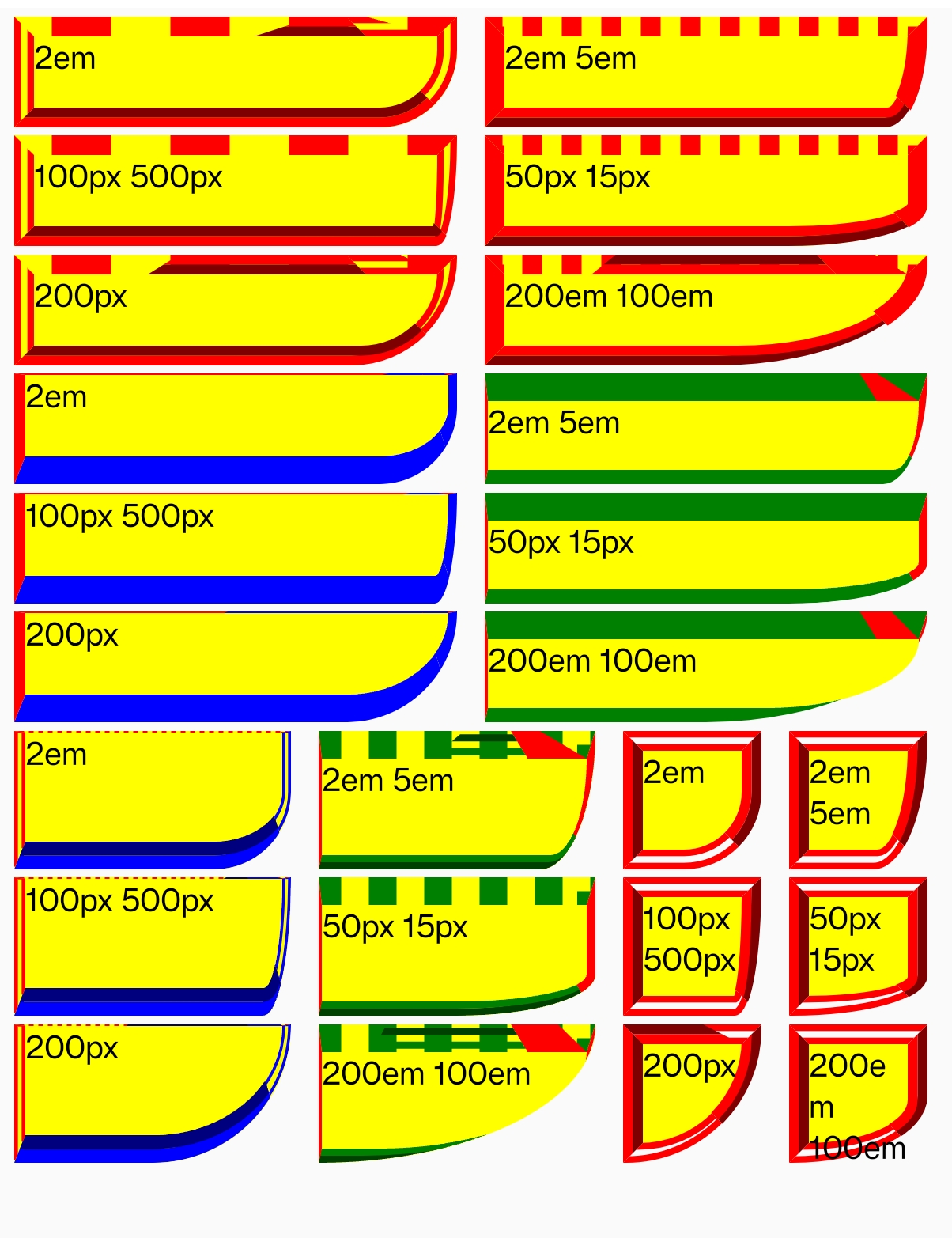
Syntax
Values
-
<length>Defines the specific size of the border radius (default is0). -
<percentage>Defines the border radius in percentage (horizontal radius is relative to the border box width, vertical radius is relative to the height).
Formal Definition
| Initial value | 0 |
| Applies to | All elements |
| Inherited | no |
| Animatable | no |
Formal Syntax
Differences from the Web
- MDN Reference
- Does not support global values (
inherit/initial/revert/unset).
Compatibility
LCD tables only load in the browser