

flex-direction
Introduction
The flex-direction CSS property sets how flex items are placed in the flex container defining the main axis and the direction.
Examples
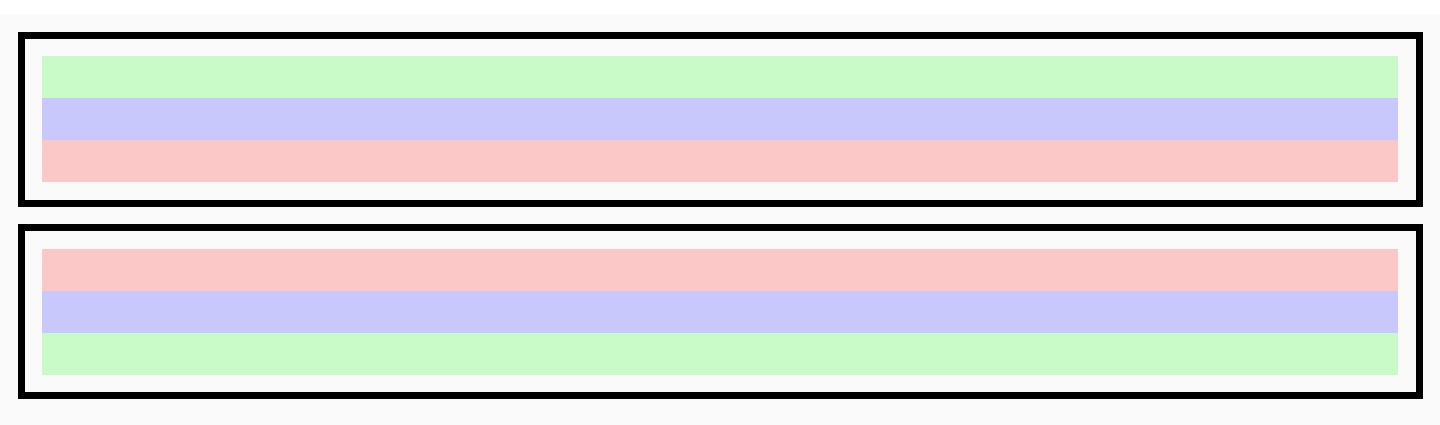
Note that the values row and row-reverse are affected by the directionality of the flex container. If its dir attribute is ltr, row represents the horizontal axis oriented from the left to the right, and row-reverse from the right to the left; if the dir attribute is rtl, row represents the axis oriented from the right to the left, and row-reverse from the left to the right.
Syntax
Values
-
rowDefault value. The flex container's main-axis is defined to be the same as the text direction. The main-start and main-end points are the same as the content direction.
-
row-reverseBehaves the same as
rowbut the main-start and main-end points are opposite to the content direction. -
columnThe flex container's main-axis is the same as the vertical. The main-start and main-end points are the same as the before and after points of the writing-mode.
-
column-reverseBehaves the same as
columnbut the main-start and main-end are opposite to the content direction.
Formal definition
| Initial value | row |
| Applies to | flex containers |
| Inherited | no |
| Animatable |
Formal syntax
Compatibility
LCD tables only load in the browser