

font-weight
Introduction
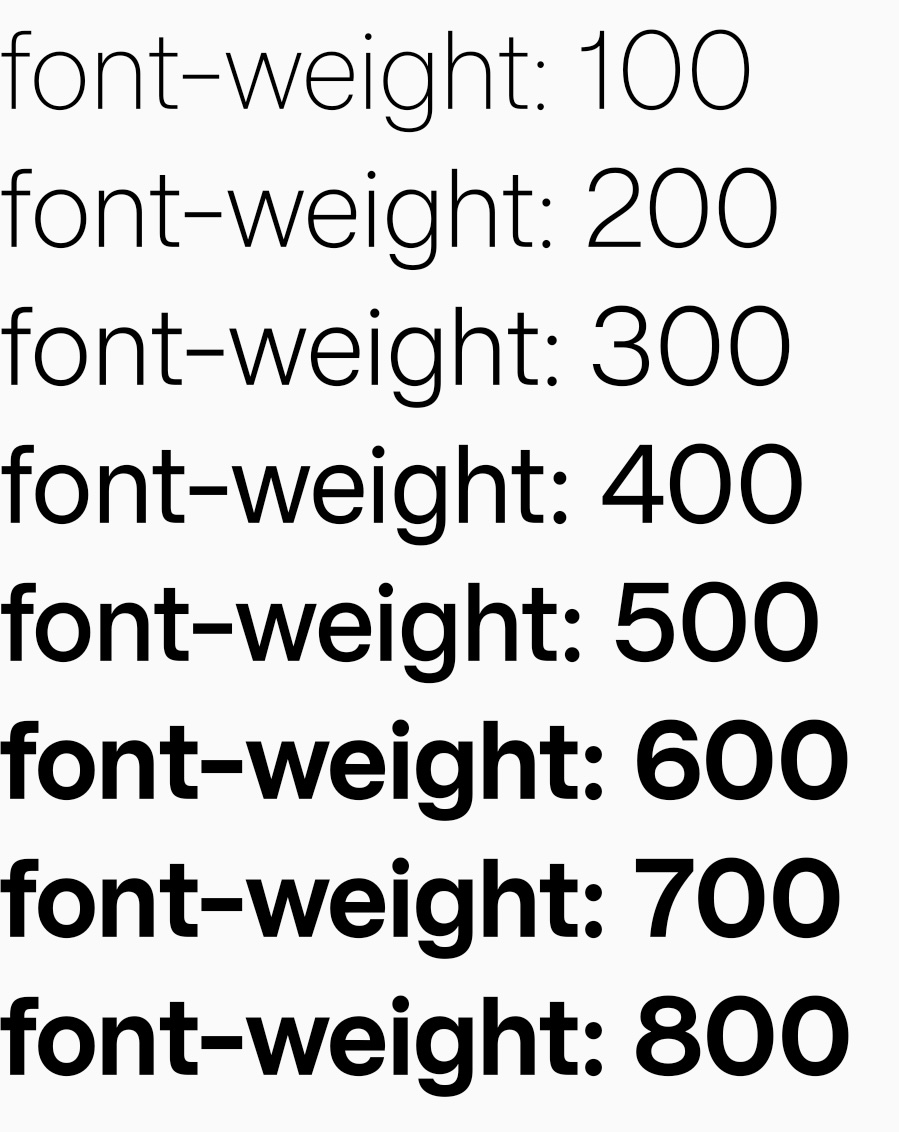
The font-weight CSS property sets the weight (or boldness) of the font. The weights available depend on the font-family that is currently set.
Examples
Syntax
Values
-
Default normal
Normal font weight. Same as400. -
bold
Bold font weight. Same as700 -
<number>
A<number>value between 1 and 1000, inclusive. Higher numbers represent weights that are bolder than (or as bold as) lower numbers.
Best Practices
- Do not using
font-weightwithfont-family. Currently, lynxfont-familyis just a key-value mapping not a real 'family'. And using other font-weight may causefont-familynot working.
Formal definition
| Initial value | normal |
| Applies to | text |
| Inherited | yes |
| Animatable | no |
Formal syntax
Difference with Web
-
Not support
borderandlighter -
Numeric types currently only support integer values from '100' to '1000'.
-
The fallback logic of glyph mapping failure will vary on different platforms and system versions. In the worst case, the system default font may be fallback, resulting in the failure of custom fonts.
Compatibility
LCD tables only load in the browser