

transform
Introduction
The transform CSS property lets you rotate, scale, skew, or translate an element.
Examples
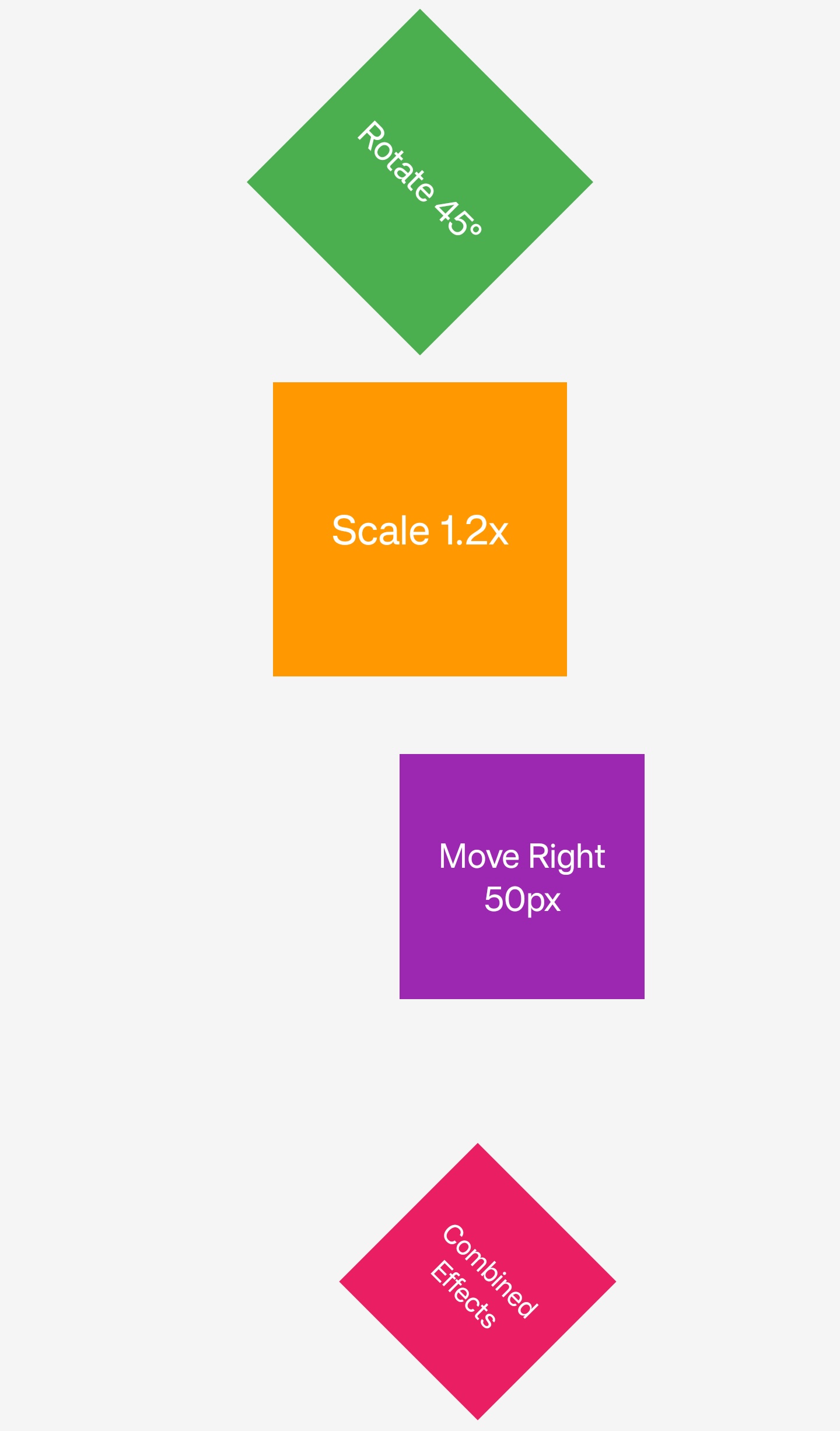
Syntax
The value of the transform can be one or more <function>, which are separated by spaces. For details, see function standard syntax
function standard syntax
- translate
- translateX
- translateY
- translateZ
When using translateZ, it is recommended to set flatten={false} on the parent node of the node, otherwise it may cause the overflow:hidden of the parent node to fail on Android.
At the same time, if translateZ does not take effect on Android, you can try to set other sibling nodes of the same parent node to transform: translateZ(0).
- translate3d
- rotate
- rotateZ
- rotateX
- rotateY
- scale
- scaleX
- scaleY
- skew
- skewX
- skewY
- matrix
- matrix3d
-
matrix(a, b, c, d, tx, ty)is shorthand formatrix3d(a, b, 0, 0, c, d, 0, 0, 0, 0, 1, 0, tx, ty, 0, 1). -
The
matrix3d()function is specified with 16 arguments. These parameters are described in column-dominated order.a1,b1,c1,d1define the first vector and are responsible for the X-axis scaling, rotation, and shear transformations;a2,b2,c2,d2define the second vector and are responsible for the Y-axis scaling, rotation, and shear transformations;a3,b3,c3,d3define the third vector and are responsible for the Z-axis scaling, rotation, and shear transformations;a4,b4,c4,d4define the third vector,a4,b4andc4realize the translation transformation of x, y and z axes, andd4is generally set to 1, which is a value to keep the calculated weight stable.
Formal definition
| Initial value | empty value |
| Applies to | all elements |
| Inherited | no |
| Animatable | yes |
Note
-
If you want 3D effect when transform rotateX and rotateY rotate, you need to cooperate with perspective property.
-
On iOS, if there is jaggedness in rotate, anti-aliasing can be turned on by adding the
allow-edge-antialiasingattribute to the node.
iOSwill penetrate other sibling nodes in the same layer when renderingrotateX/rotateY. If you do not want this penetration effect, wrap the node with a Wrapper View so that it is not in the same layer as its sibling nodes. Since an empty Wrapper View will be optimized and deleted by layout only, without generating an actual node, please add a defaulttransformproperty value to the Wrapper View (e.g.transform: translate(0,0)) to prevent it from being layout only.
-
The transform property is order-dependent, and the order of translate, rotate, and scale will affect the final rendering effect.
-
The table below shows whether Lynx considers the order of transform in various scenarios:
- What is a static transform: It refers to the transform property that is rendered directly without animation in CSS.
Difference from W3C
- not support rotate3d, scale3d
Compatibility
LCD tables only load in the browser