

border-radius
Introduction
The border-radius CSS property rounds the corners of an element's outer border edge. You can set a single radius to make circular corners, or two radii to make elliptical corners.
Examples
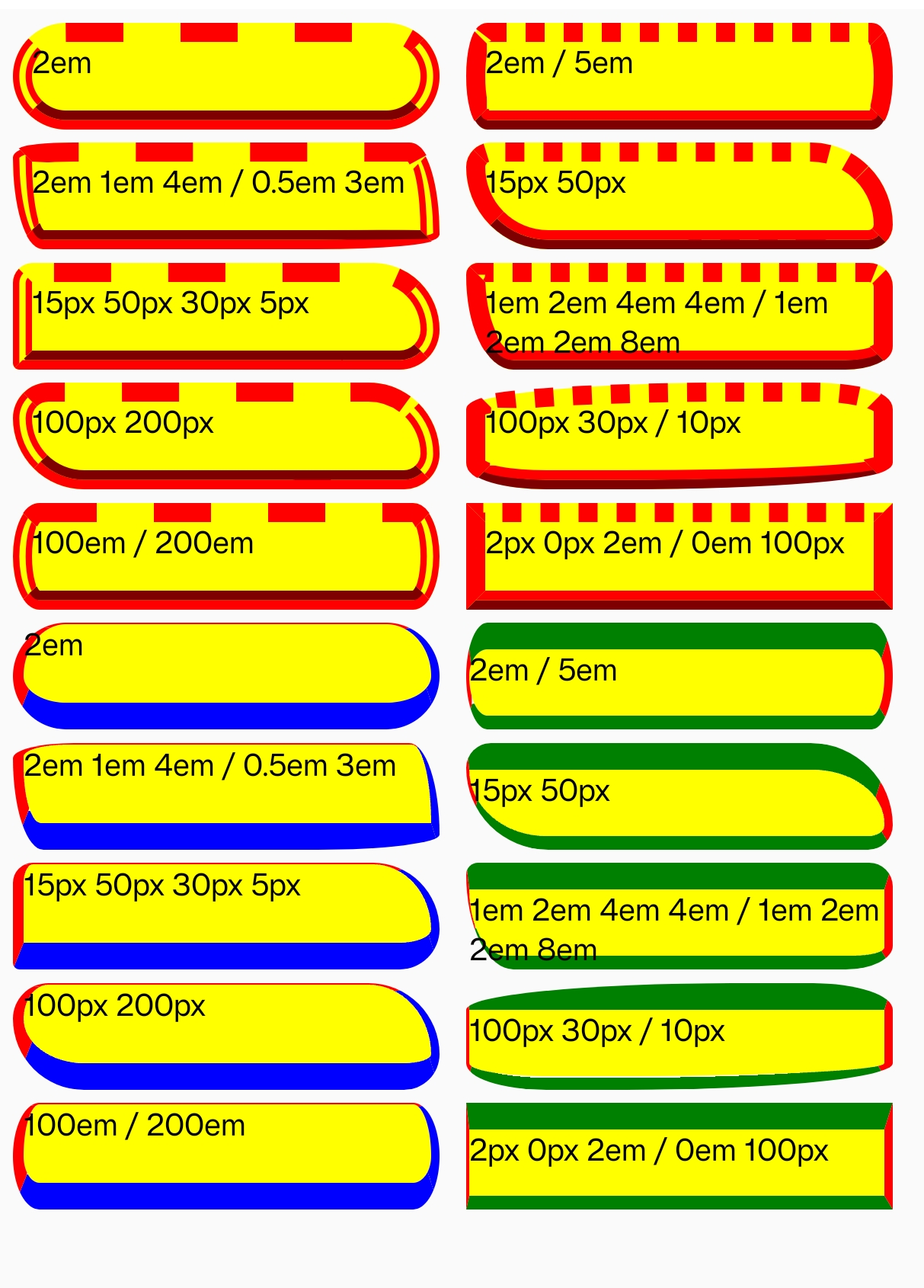
Syntax
The border-radius property is specified as:
- one, two, three, or four
<length>or<percentage>values. This is used to set a single radius for the corners. - followed optionally by "/" and one, two, three, or four
<length>or<percentage>values. This is used to set an additional radius, so you can have elliptical corners.
Values
-
<length>Denotes the size of the circle radius, or the semi-major and semi-minor axes of the ellipse, using length values. Negative values are invalid. -
<percentage>Denotes the size of the circle radius, or the semi-major and semi-minor axes of the ellipse, using percentage values. Percentages for the horizontal axis refer to the width of the box; percentages for the vertical axis refer to the height of the box. Negative values are invalid.
Formal definition
| Initial value | 0 |
| Applies to | all elements |
| Inherited | no |
| Animatable | no |
Formal syntax
Difference from Web
Global values are not supported, (inherit, initial, revert, unset, etc).
Compatibility
LCD tables only load in the browser