

box-sizing
Introduction
The box-sizing property defines whether fixed sizes (such as <length>s and <percentage>s) are assigned to the content box or to the border box. It affects the interpretation of all sizing properties, including width, height, min-width, min-height, max-width, max-height.
Examples
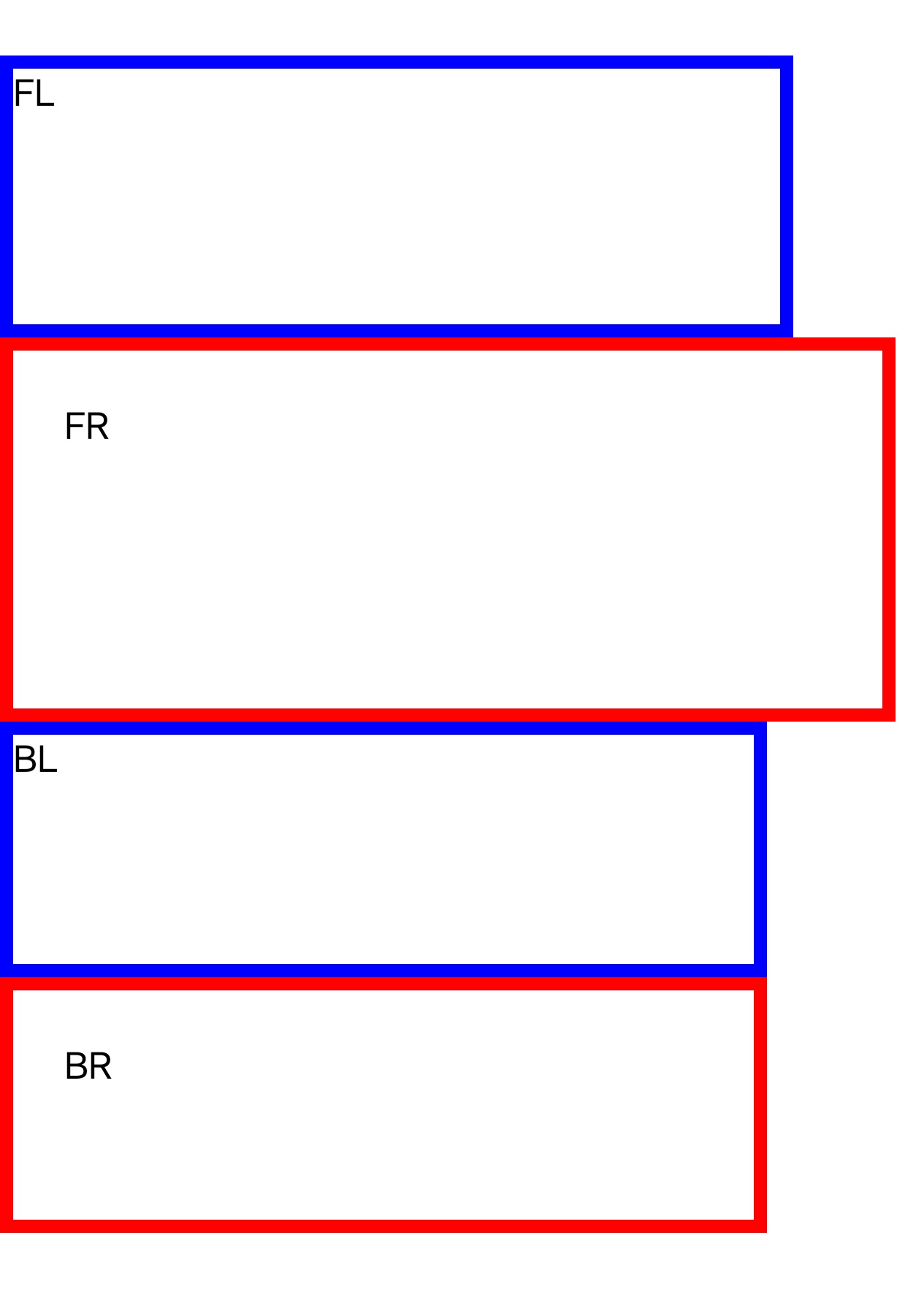
Syntax
Values
-
border-boxDefault value. The
widthandheightproperties include the content, padding, and border, but do not include the margin.Size calculation formula:
width = border + padding + content
height = border + padding + content
-
content-boxThe
widthandheightproperties include the content, but does not include the padding, border, or margin.Size calculation formula:
width = content
height = content
Formal definition
| Initial value | border-box |
| Applies to | all elements |
| Inherited | no |
| Animatable | no |
Formal syntax
Difference with the web
- Default value is
border-boxin Lynx, whilecontent-boxin web. - It will not affect the interpretation of
flex-basis, while Web will.
Compatibility
LCD tables only load in the browser