

right
Introduction
The right CSS property participates in specifying the horizontal position of a positioned element. For more information, please refer to property position.
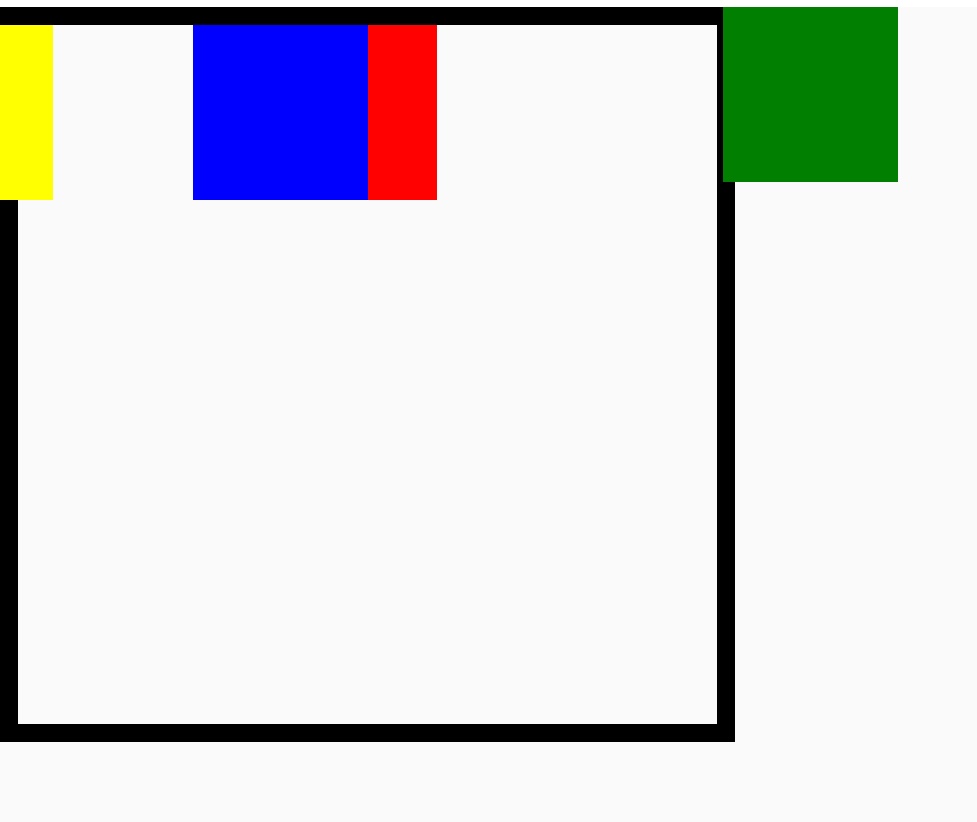
The effect of right depends on how the element is positioned (i.e., the value of the position property):
-
When
positionis set toabsoluteorfixed, therightproperty specifies the distance between the element's outer margin ofrightedge and the inner border of therightedge of its containing block. -
When
positionis set torelative, therightproperty specifies the distance the element'srightedge is moved to theleftfrom its normal position.
When both left and right are defined, and width constraints don't prevent it, the element will stretch to satisfy both. If the element cannot stretch to satisfy both, the position of the element is overspecified. When this is the case, the left value has precedence when the container is left-to-right; the right value has precedence when the container is right-to-left.
Examples
Syntax
Values
auto
Default value.
<length>
A negative, null, or positive <length> that represents:
-
for absolutely positioned elements, the distance to the right edge of the containing block.
-
for relatively positioned elements, the distance that the element is moved to the left of its normal position.
<percentage>
A <percentage> of the containing block's width.
Formal definition
| Initial value | auto |
| Applies to | all elements |
| Inherited | no |
| Animatable | |
| Percentages | refer to the width of the containing block |
Formal syntax
Compatibility
LCD tables only load in the browser