

transform-origin
Introduction
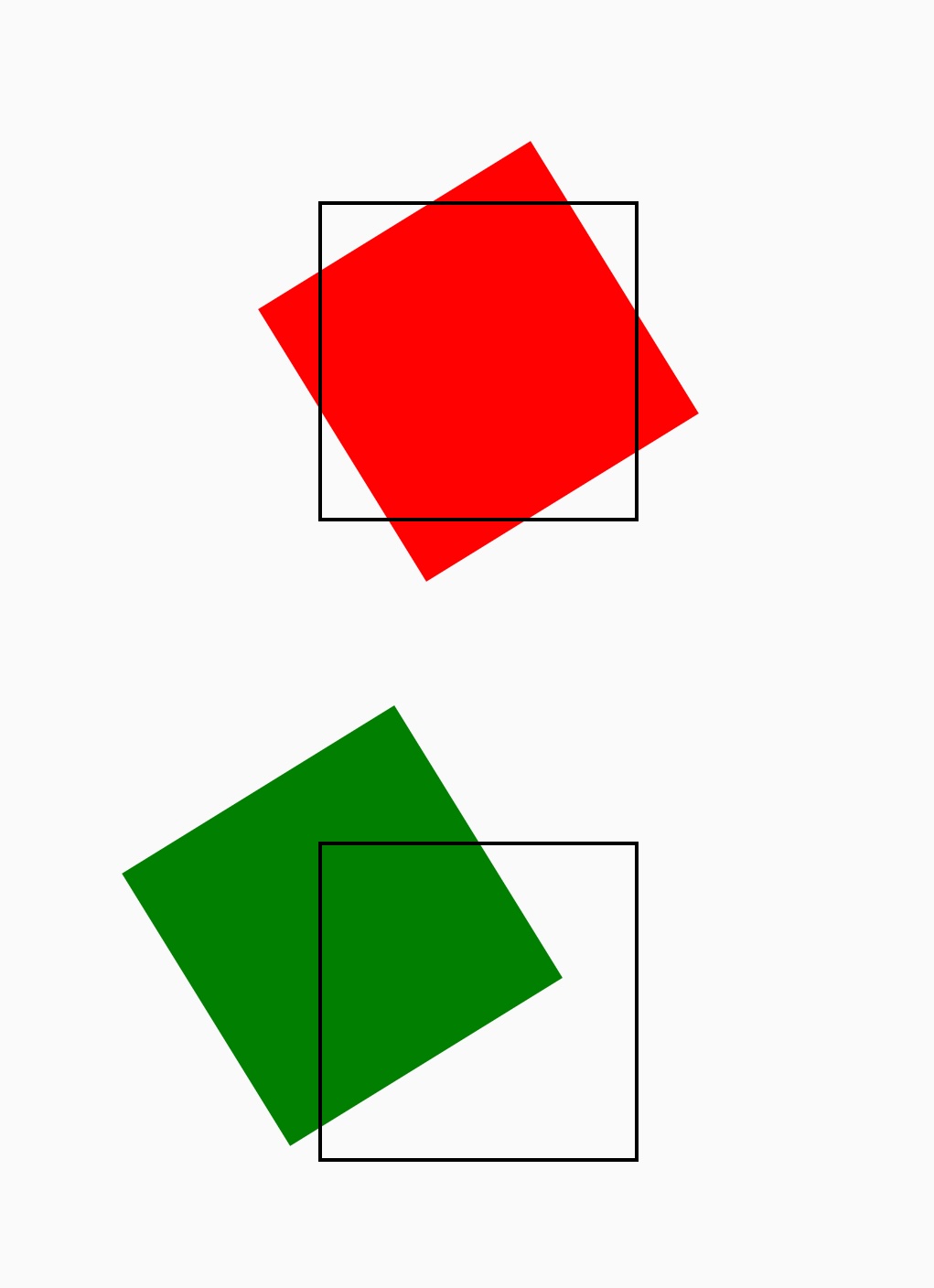
The transform-origin CSS property sets the origin for an element's transformations.
Examples
Syntax
Values
The value of the transform-origin can be one or two. The first value represents x-offset, the second value represents y-offset, separated by a space.
x-offset
The value of x-offset can be length <length>, percentage <x-percentage>, keyword <x-offset-keyword>
-
length Length value, the unit is px,rem,rpx, etc.
-
x-percentage Percentage relative to parent ViewWidth.
-
x-offset-keyword
y-offset
The value of y-offset can be length <length>, percentage <y-percentage>, keyword <y-offset-keyword>
-
length Length value, the unit is px,rem,rpx, etc.
-
y-percentage Percentage relative to parent ViewHeight.
-
y-offset-keyword
Formal definition
| Initial value | empty value |
| Applies to | all elements |
| Inherited | no |
| Animatable | yes |
Difference from W3C
- Transform-origin is not supported for z-axis
Note
- The first value of transform-origin always means
x-offset, the second value always meansy-offset, please do not write inverse.
Compatibility
LCD tables only load in the browser