

overflow
Introduction
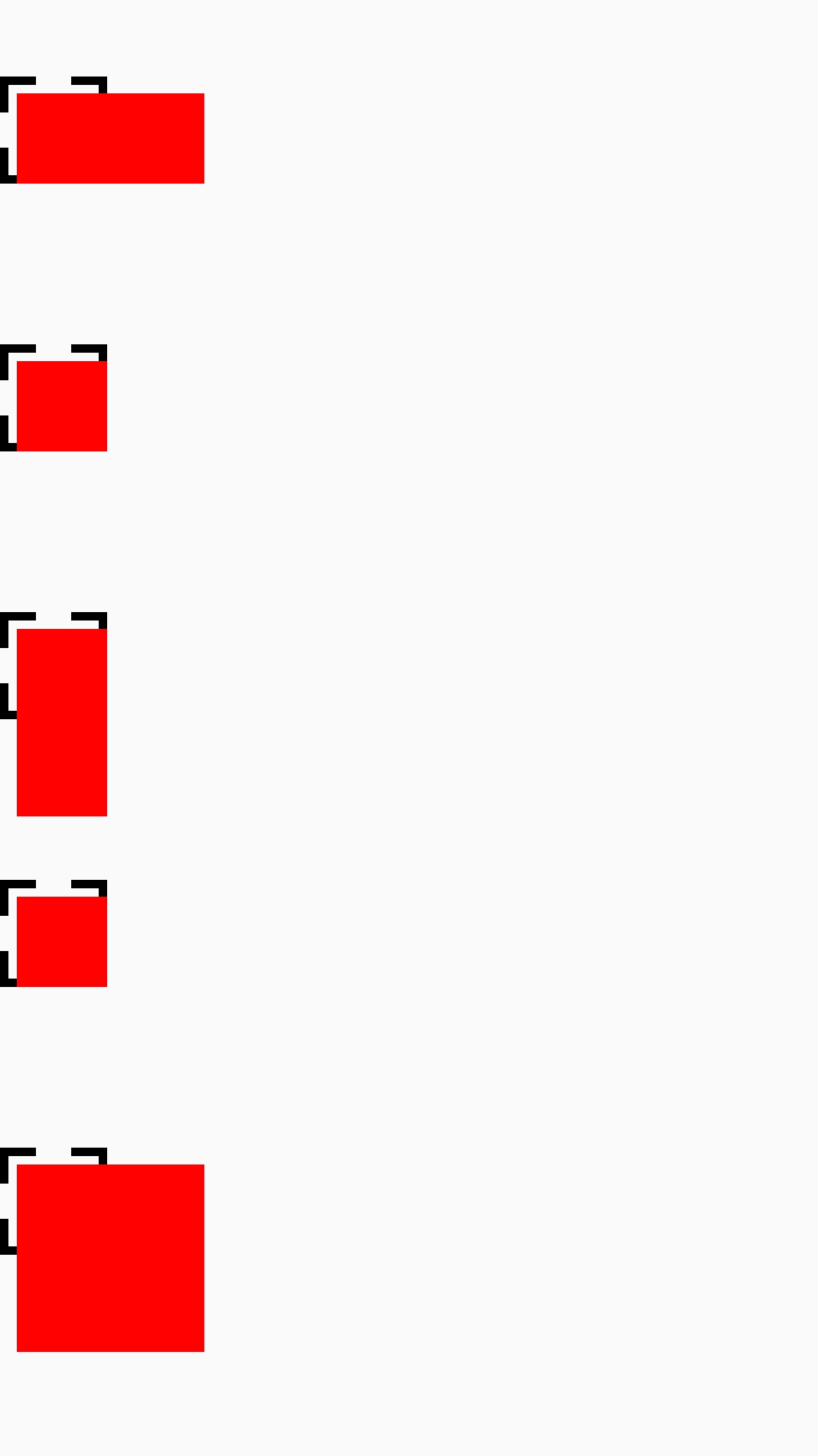
The overflow property specifies whether to clip the content when the content of an element is too big.
Caution
- It's recommended to set
overflow: hiddenexplicitly, if the node is not need to be overflow; On Android platform, the re-drawn region may become larger than view‘s rect whenoverflow: visible.
Examples
Syntax
Values
-
visible(default) the content will not be clipped, the content and the descendants may render outside the element box -
hiddenthe overflow of the content and the descendants will be clipped, the reset of the content will be visible
Formal definition
| Initial value | visible |
| Applies to | all elements |
| Inherited | no |
| Animatable | no |
Formal syntax
Difference from Web
overflowdoes not containscrollandauto, forscrollplease use<scroll-view>directly.
Notes
- On Android platform, the Android view that has
opacity < 1will be rendered in an offscreen buffer by default, the offscreen makes theoverflow: visiblenot work correctly, you can addoverlap={false}to disable the offscreen rendering. The property is linked to Android ViewhasOverlappingRenderingproperty.
Compatibility
LCD tables only load in the browser